

Overview
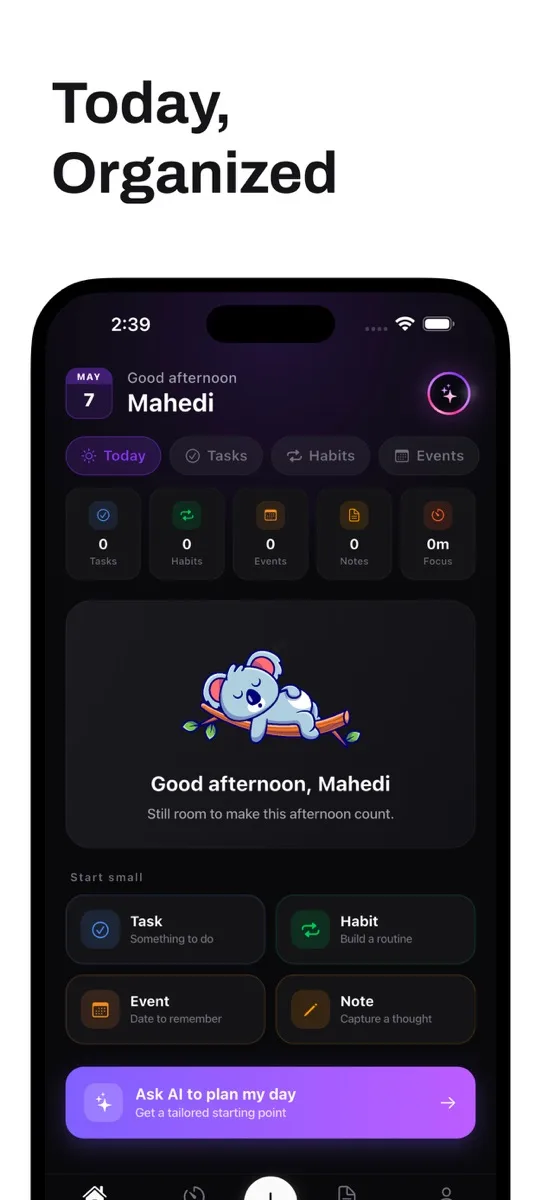
Tasks, habits, notes, calendar and focus sessions in one place, with an assistant that reads your real data and turns conversation into actions. Offline-first, end-to-end encrypted, with voice AI and 180+ focus soundscapes.
In the app
6 screens · App Store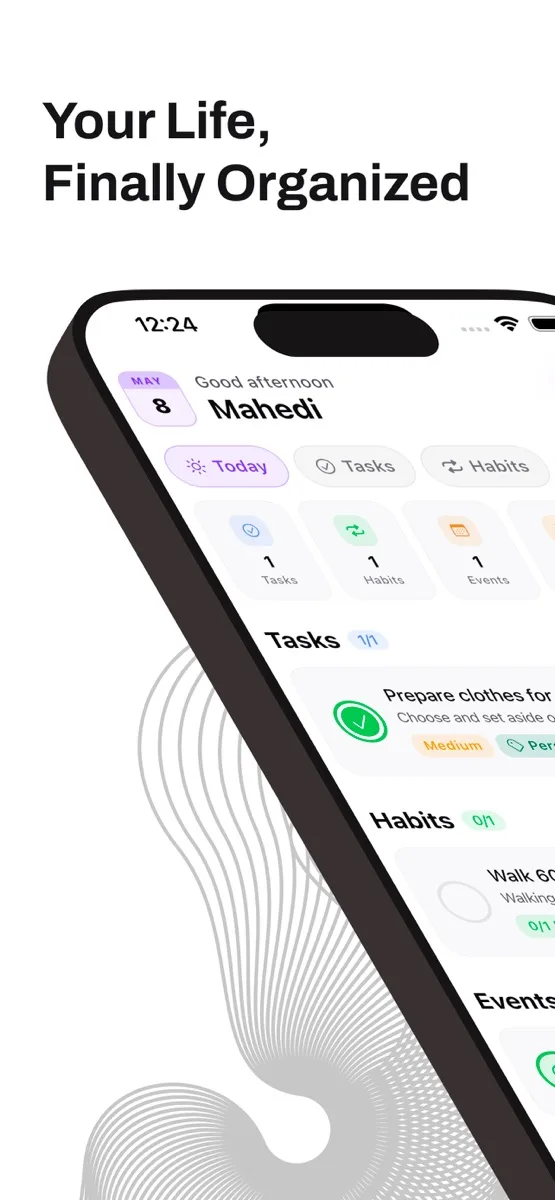
Watch
1 video · YouTubeThe problem
Tasks, habits, notes, calendar and focus timers usually live in five apps that know nothing about each other. Ome combines them and gives the AI assistant access to that real data, so its suggestions are grounded in what you actually have to do.
How it was built
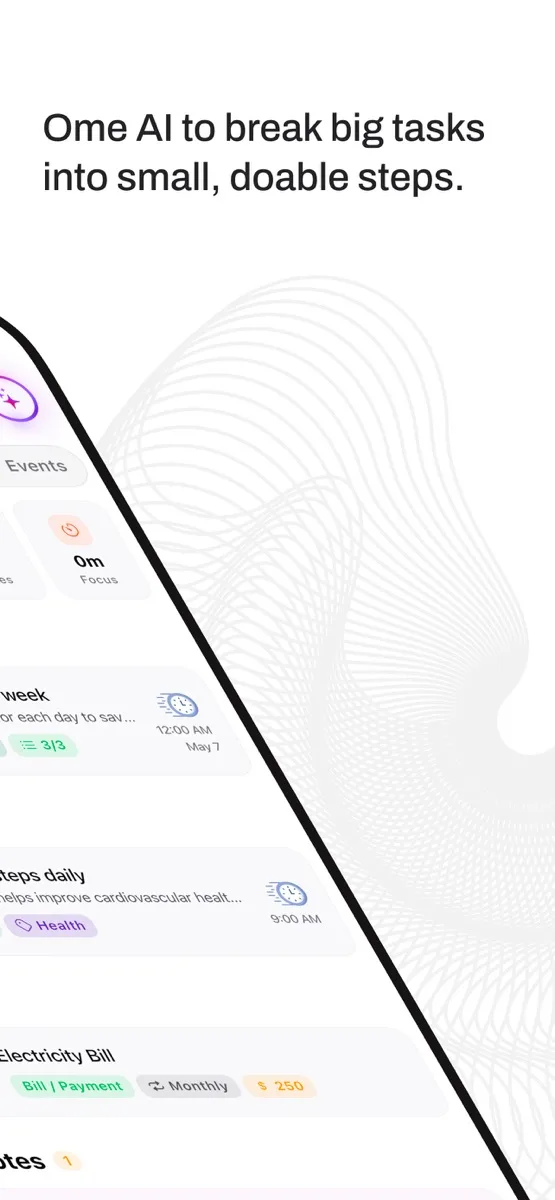
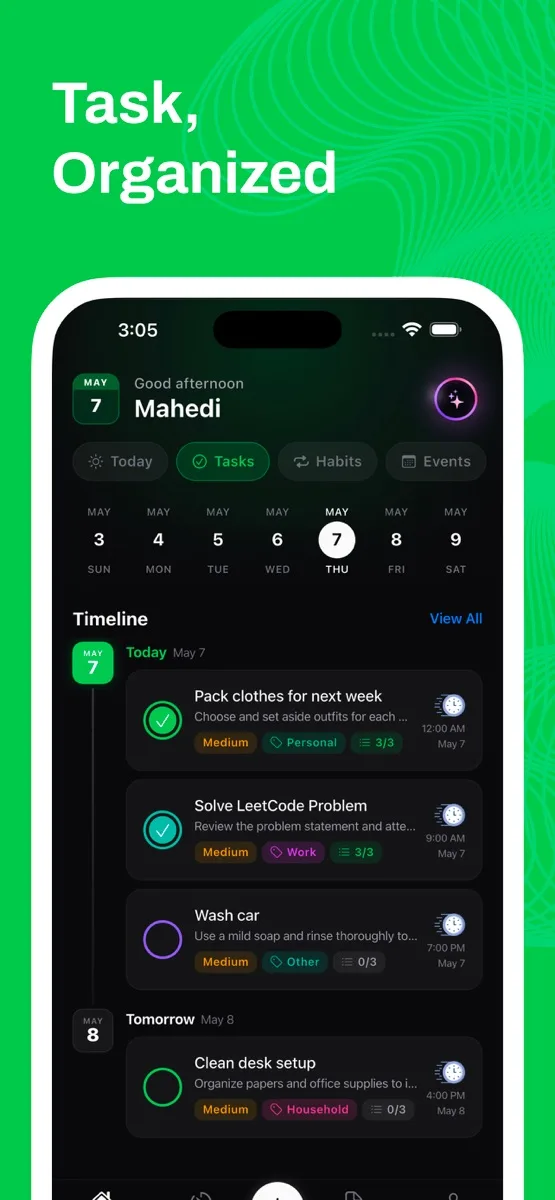
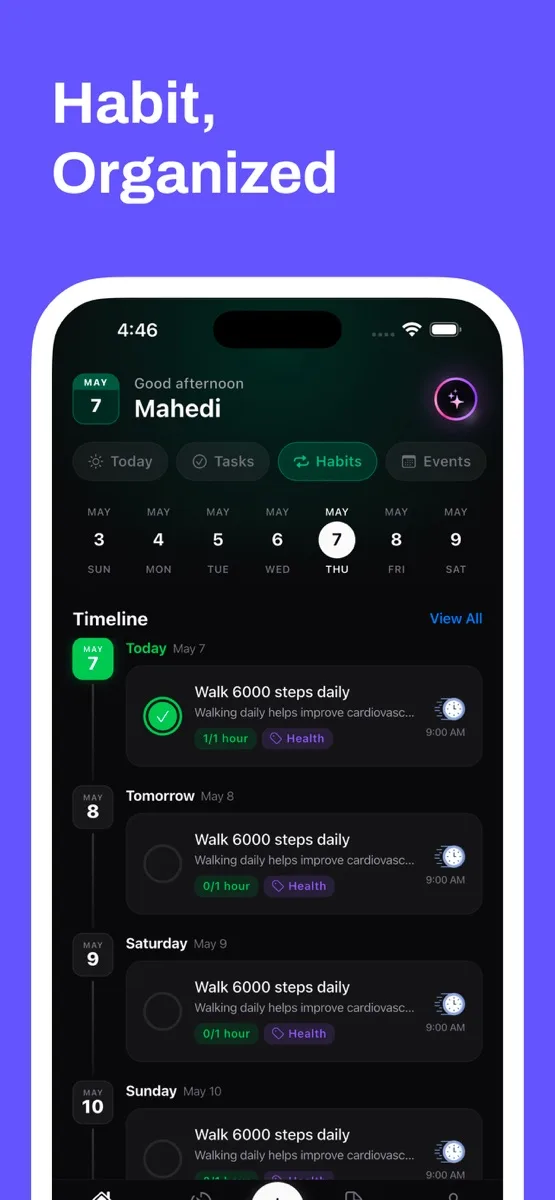
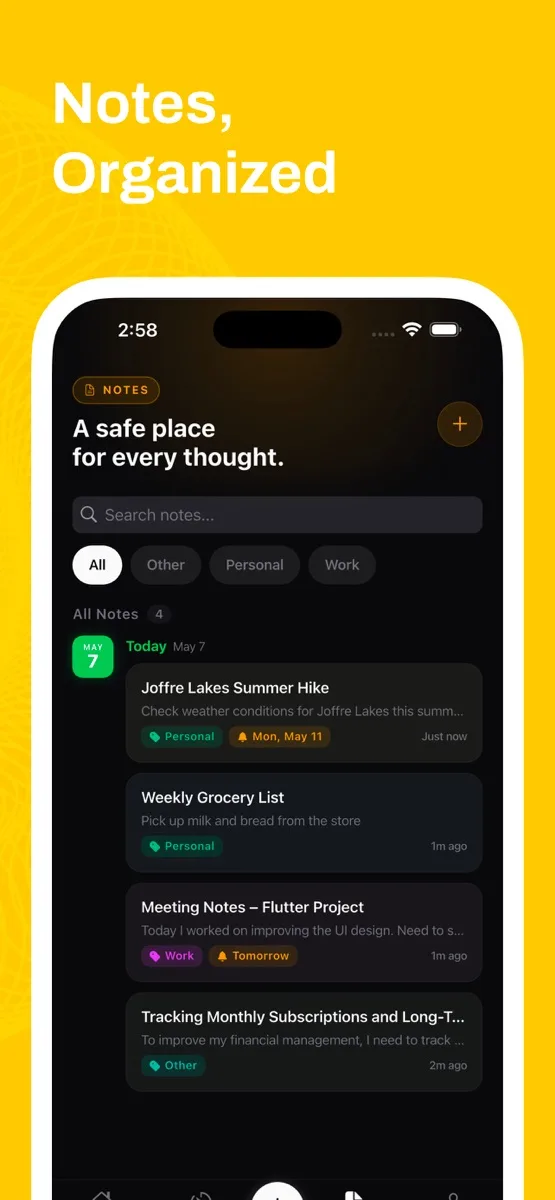
Offline-first architecture with optional cloud sync and end-to-end encryption; your data stays on your device unless you decide otherwise. A context-aware assistant reads pending tasks, habit streaks, events and notes, breaks tasks into steps and creates actions directly from conversation. Rich-text notes, biometric lock, smart reminders, Pomodoro tracking, voice input, backup and restore, and 180+ focus soundscapes.
What it does
- 01Ome AI: say it, and it listens, acts and gives you the next step
- 02Tasks that the AI breaks into doable steps automatically
- 03Habits built around goals rather than streaks alone
- 04Focus sessions with ambient audio, Pomodoro tracking
- 05E2E encrypted, local-first, free to download
What I took from it
Practical AI, not AI as a standalone feature. The assistant is only useful because it can see the data the rest of the app already holds.